
Prospecting Overview
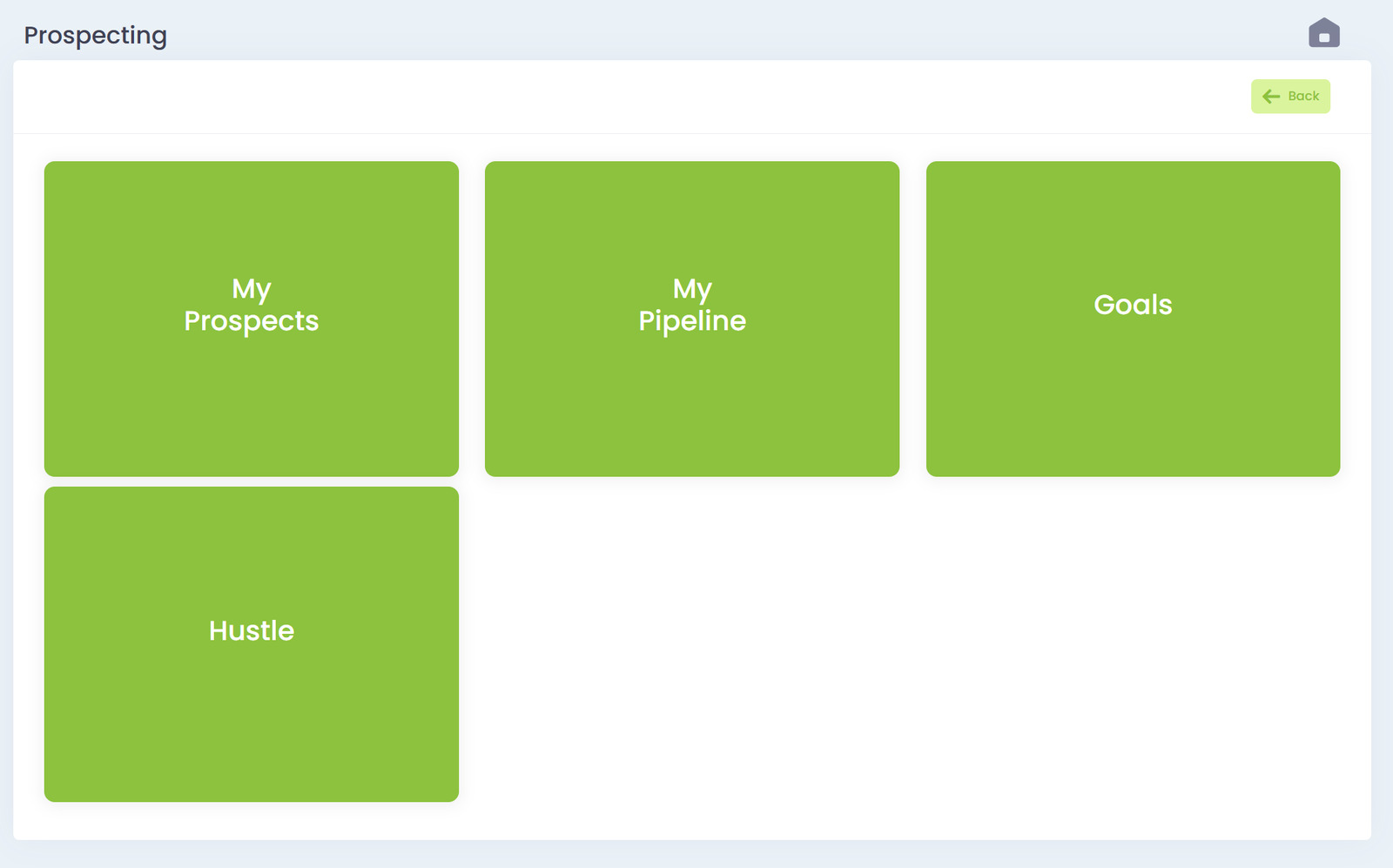
The Prospecting module is where your sales team tracks calls, follows up on leads, monitors their pipeline, and stays focused on outreach. Everything is laid out in simple tiles so reps can move fast without getting lost in menus.
The Prospecting dashboard includes four main areas:
- My Prospects
- My Pipeline
- Goals
- Hustle
Each section is designed to keep your sales activity organized and help you stay on top of every lead.
My Prospects
This section shows your personal list of prospects that need touchpoints. You can:
- View call activity
- See last contact date
- Update lead status
- Mark leads as ready for quotes or pipeline
- Add notes to track progress
This list keeps you organized and ensures no lead slips through the cracks.
My Pipeline
This is your active pipeline. It shows:
- Deals in progress
- Quote statuses
- Stage movement
- Priority level
- Expected MRR or deal size
Pipeline activity updates automatically based on quote status changes. You always know exactly where each deal stands.
Goals
Your activity goals help you stay accountable. Depending on company settings, goals may include:
- Daily call goals
- Weekly prospecting targets
- Monthly quote goals
- Pipeline value goals
This section gives you a quick performance snapshot so you can track your progress.
Hustle
The Hustle view is designed for rapid calling and outreach. It gives you:
- One-click calling
- Instant prospect access
- A clean streamlined layout that keeps you focused
- Quick updates as you move through your call list
It’s the fastest way to knock out your daily outreach.