
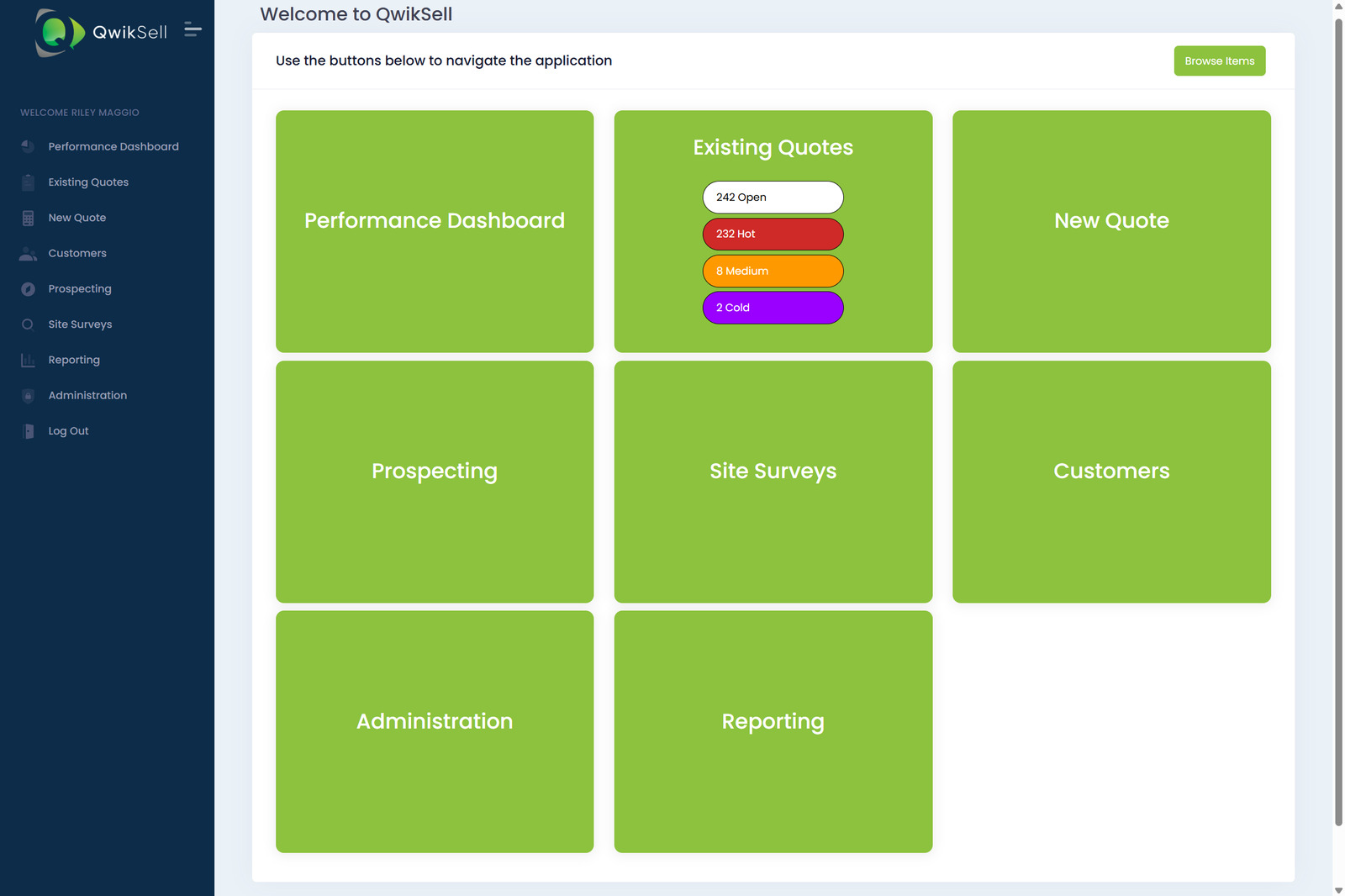
The Home Page is your launchpad. As soon as you log into QwikSell, you’ll land on a clean, simple screen that gives you qwik access to every module in the platform.
This page includes:
- Your main navigation tiles
- Item browsing for your product catalog
- At-a-glance quote status
- A consistent layout that stays the same for every user
- Company-specific product tiles based on your catalog
Main Home Page Layout
The Home Page is broken into large, easy-to-tap tiles. Each tile takes you directly into a QwikSell module like Performance Dashboard, Existing Quotes, Prospecting, Customers, Reporting, and more.
This is designed so your sales team can move through their workflow without digging through menus.
Navigation Tiles
Each tile on the Home Page represents its own module.
- Performance Dashboard: View call logs deals goals and pipeline stats in one place
- Existing Quotes: Open in-progress quotes by status
- New Quote: Start a fresh quote instantly
- Prospecting: Manage call lists track touches and follow-ups
- Customers: View customer details and their associated history
- Site Surveys: Collect site info attach images record details
- Reporting: Access sales performance reports
- Administration: Manage products users pricing and company setup
Item Browse Section
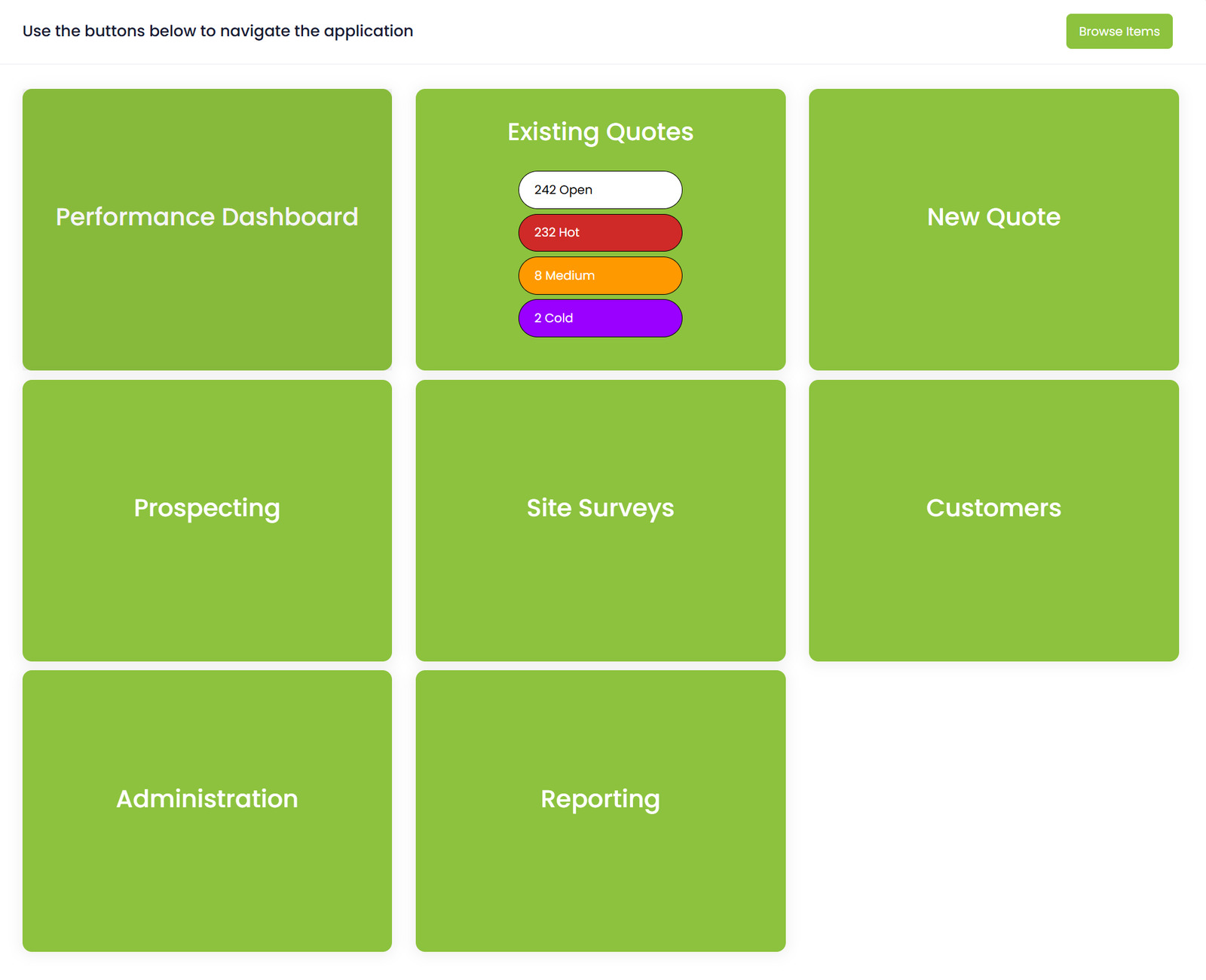
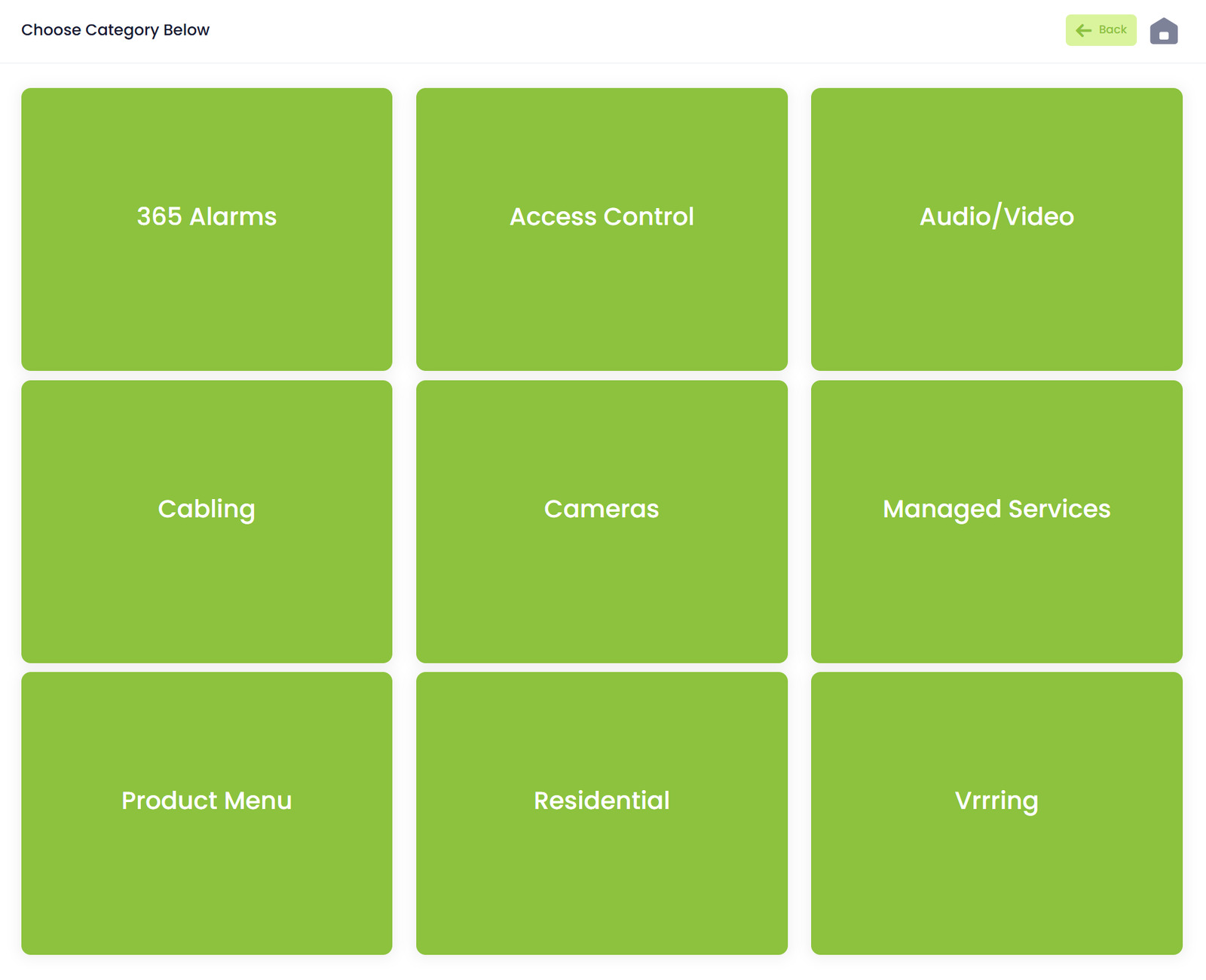
The Browse Items button on the top right sends you to your company’s product catalog. These tiles are 100 percent custom to each MSP. Whatever your team sells shows up here.
Categories might include:
- Access Control
- Audio/Video
- Cameras
- Cabling
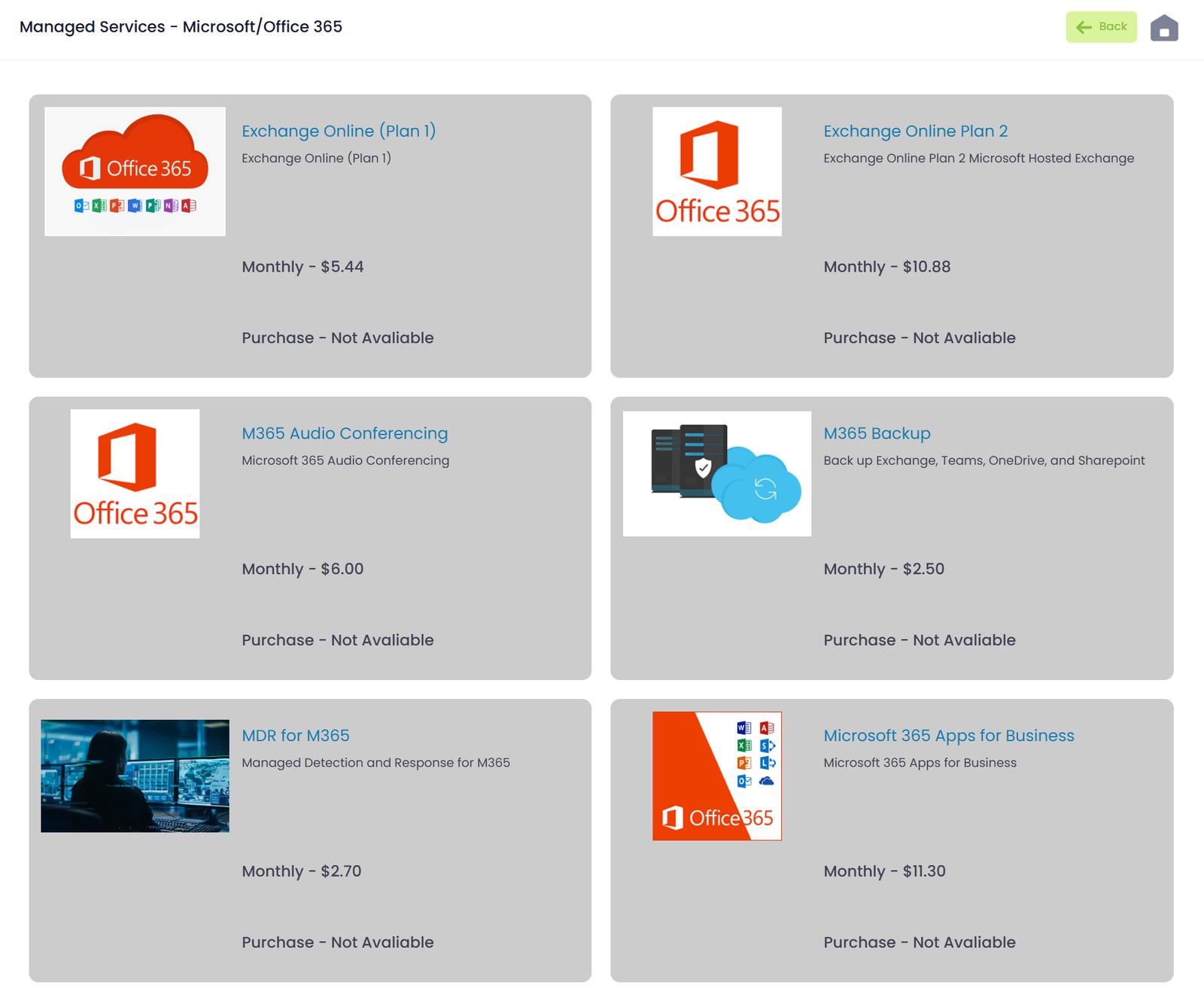
- Managed Services
- Alarms
- Residential
- Any other custom product groups you create
Sub Categories & Items
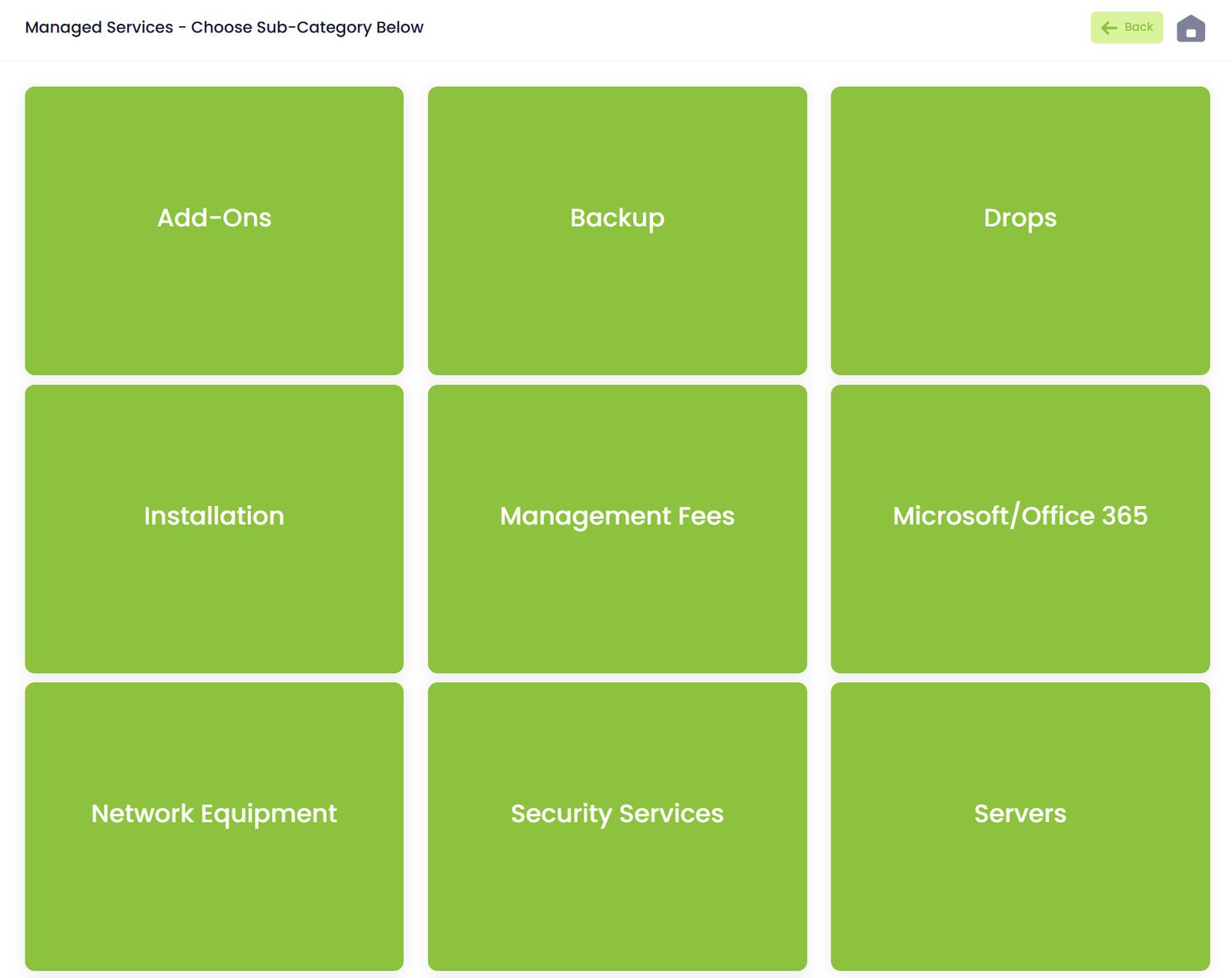
When a user taps a category like Access Control they’ll see sub categories such as:
- Access Control Add Ons
- Installation
- Controllers
- Exit Devices
- Readers
- Required Items (if applicable)
Each sub category displays item tiles with product descriptions pricing and monthly options if available.
What Users Can Do From the Home Page
From this single screen users can:
- Jump directly into creating a quote
- Check on open quotes by status
- Start prospecting calls
- Submit or review site surveys
- Access customer details
- Generate reports
- Browse any item in your product catalog
- Or head to Administration to customize QwikSell for your company